
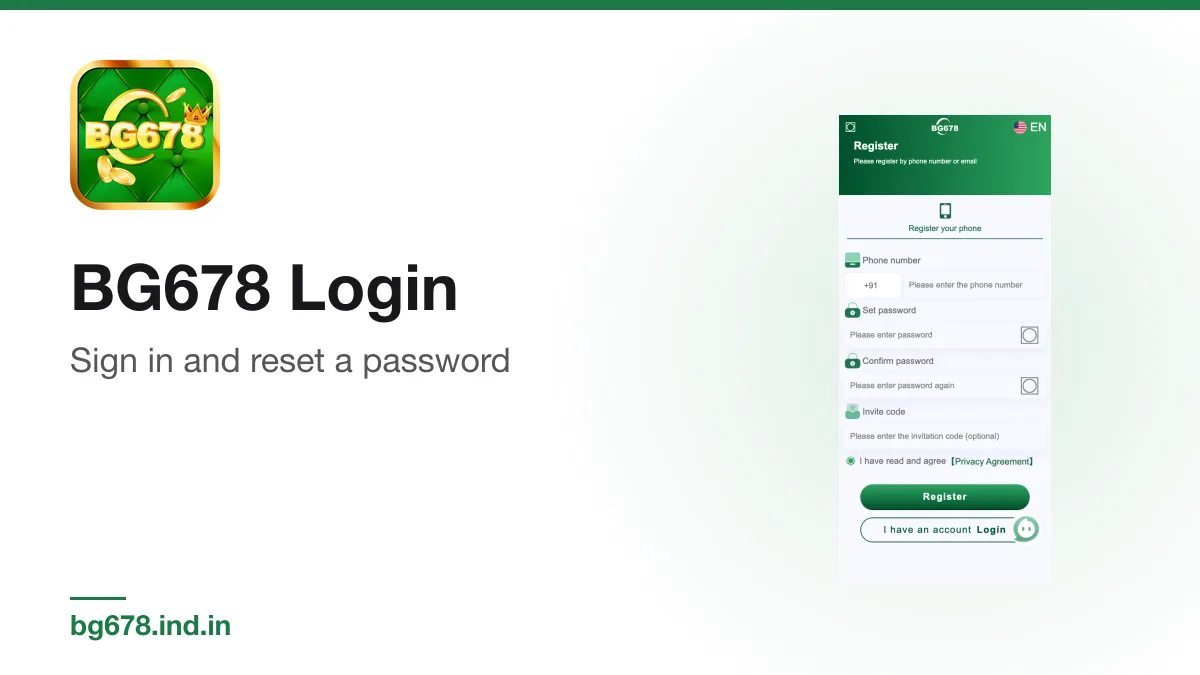
You log in with the phone number or email you registered with, plus your password. That is the whole process when it works. This guide covers the sign-in steps, what to do when you have forgotten the password, and the usual reasons a login will not go through.
Logging in
- Open the app, or the lobby in your browser.
- Tap Log in at the top of the lobby.
- Choose phone or email, matching how you signed up.
- For phone, type the 10-digit number. The +91 code is already set.
- Type your password and tap the login button.
On Android, the app usually keeps you signed in between sessions. On iPhone, the web version stays signed in unless Safari's website data is cleared. See the iPhone guide for the settings that sign you out.
If you forgot the password
Look for a password recovery option on the login screen and follow its steps with the phone number or email on the account. If you cannot complete it, contact the in-app customer service and be ready to prove the account is yours, for example by naming the phone number or email and recent deposit details.
Once you are back in, set a new password that you have not used anywhere else, and store it safely. Our account security guide has more on choosing one.
Common login problems
| Problem | What to try |
|---|---|
| Wrong password message | Check caps and the keyboard language, then use password recovery. |
| Account not found | You may have registered with email, not phone, or the other way round. |
| Screen keeps loading | Switch between Wi-Fi and mobile data, then reopen the app. |
| Signed out every time on iPhone | Leave Private Browsing and use the Home Screen icon. |
| App will not open at all | Reinstall from the lobby's Download App button, then log in again. |
Logging in on a new phone
Your account lives on the operator's side, not on the phone. Install the app on the new device, or open the lobby in Safari on an iPhone, and log in with the same details. Your balance and history follow the account. Uninstall the app from any phone you are selling or giving away.
Only log in where you should
The safest places to enter your password are the app itself and the lobby reached through the app's own links. Fake pages copy the green design closely. If a link from a chat or message opens a login page, close it and open the app instead. Never type your password into a page that also asks for your bank PIN or card details on the same screen.
If you think someone else got in
- Change your password straight away.
- Check your recent deposits, bets and withdrawal requests.
- Tell customer service and ask what can be frozen or reviewed.
- Check any bank details on the account, in case a withdrawal destination was changed.
New to the app? Start at the register page. Our main login page has the short version. Real-money play is for adults aged 18 and over.
Related guide on this site: /bg678-login
18+ Real-money gaming carries financial risk and is not a source of income. In India, availability and legality depend on central legislation and your state’s rules, and they change. Play responsibly.
Spotted something wrong? Tell us at [email protected] and the page gets corrected and re-dated.
Free · Android APK · Independent guide · 18+ only