
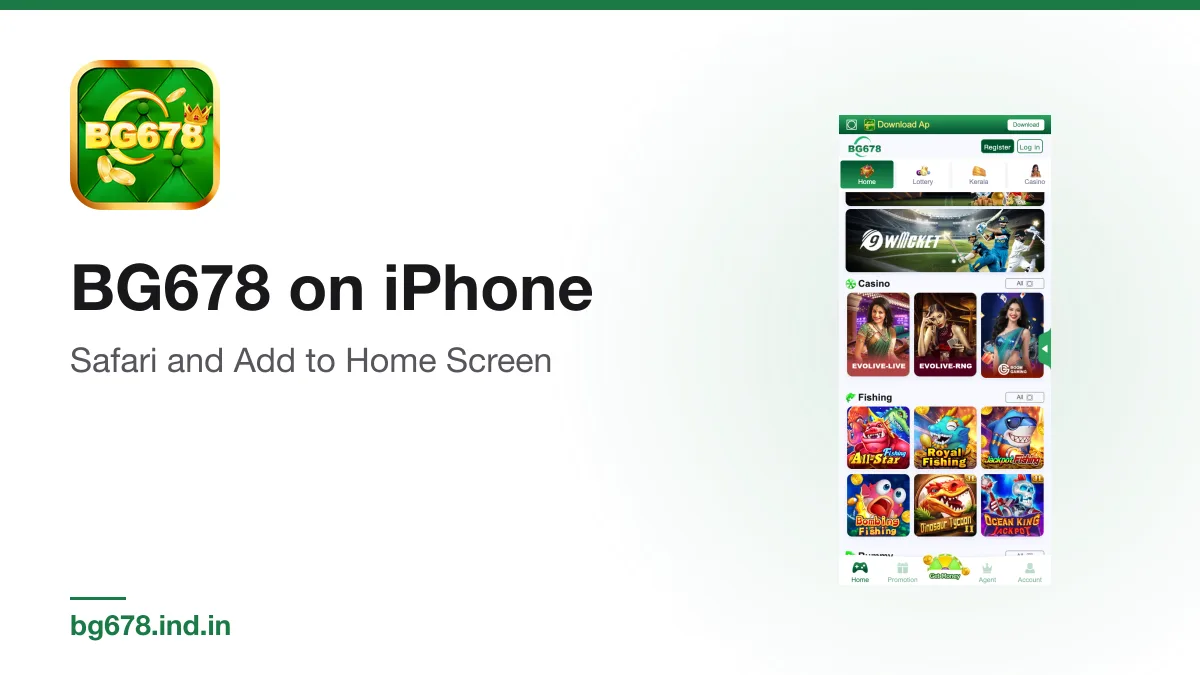
There is no iPhone app. You will not find one on the App Store, and the Android file cannot run on iOS. iPhone owners use the web lobby in Safari, which shows the same games, wallet and account screens as the Android app. Pinned to the Home Screen, it opens from an icon like any other app.
Why the web version is the whole app
The Android file is only 3.7 MB because it is a thin wrapper around the web lobby. Everything you see inside it is loaded from the operator's servers. Safari loads the same lobby directly, so an iPhone user is not missing any feature that matters. You can register, deposit, play, redeem a gift code and request a withdrawal from the browser.
Opening it in Safari
- On your iPhone, open our homepage in Safari and tap Download. On iPhone this opens the lobby in the browser rather than downloading a file.
- Wait for the lobby to load. You will see the green header, the Register and Log in buttons, and the category tiles.
- Register a new account or log in to an existing one.
Use Safari for this rather than an in-app browser inside a chat or social app. Those browsers often clear sign-ins when closed and cannot add icons to the Home Screen.
Adding it to the Home Screen
- With the lobby open in Safari, tap the Share button, the square with an arrow pointing up.
- Scroll the share sheet and tap Add to Home Screen.
- Edit the name if you like, then tap Add.
The icon now sits on your Home Screen. Tapping it opens the lobby without the Safari address bar, which gives more space for games.
Staying logged in
The web lobby remembers your sign-in through the browser's storage. Some settings clear it:
- Private Browsing in Safari forgets everything when you close the tab.
- Clearing History and Website Data in Settings signs you out.
- Low storage can make iOS clear website data on its own.
If you are signed out, just log in again with your phone number or email and password. The login page covers the steps and the password reset.
Be wary of "iPhone app" offers
Because there is no App Store listing, some sites dress up a web page as an app store page and invite you to install it. One guide site for this brand sends its Download button to a web app install page on an unrelated domain styled like a store listing. A page like that is not from Apple, and it is not necessarily from the operator either.
Never install a configuration profile or a so-called enterprise app that someone offers as the iPhone version. Those can give a third party control over parts of your phone. The safe route is the lobby in Safari and the Share button, nothing else. See our account security guide for more on spotting fake pages.
Notifications and speed
A web page pinned to the Home Screen may not show the push notifications the Android app can. That matters little, since offers and gift code announcements are inside the lobby. For speed, close tabs you are not using and stay on Wi-Fi when you first open a new game, since that is when most images load.
You must be 18 or older to play for real money, and nothing in the lobby is a source of income.
Related guide on this site: /
18+ Real-money gaming carries financial risk and is not a source of income. In India, availability and legality depend on central legislation and your state’s rules, and they change. Play responsibly.
Spotted something wrong? Tell us at [email protected] and the page gets corrected and re-dated.
Free · Android APK · Independent guide · 18+ only