
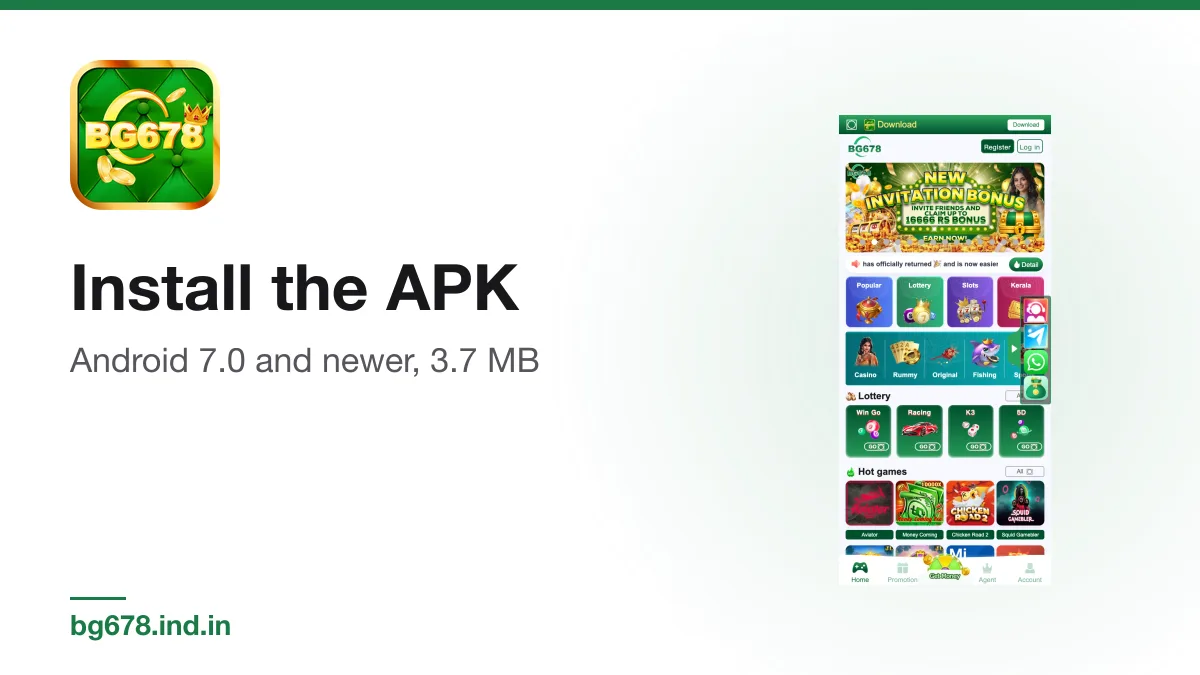
On Android the app arrives as a file called BG678.apk, not through the Play Store. It is small, about 3.7 MB, and installs in under a minute on most phones once you have allowed it. This guide covers what your phone needs, the install steps, and what to do when Android blocks the file.
What your phone needs
| Requirement | Detail |
|---|---|
| Android version | 7.0 or newer (the build targets Android 16) |
| File size | 3.7 MB (39,20,450 bytes) |
| App version checked | 1.8.0, on 12 November 2026 |
| Connection | Needed every time, because the app loads the web lobby |
To find your Android version, open Settings, then About phone. If it shows 6 or lower, the file will not install.
Step 1: download the file
Use the Download button on our homepage. It sends you to the operator's lobby, which hands out the file from its own Download App button. Your browser may warn that this type of file can harm your device. That warning appears for every APK from outside the Play Store. Tap Download anyway only if the file came from that route.
Step 2: allow installs from your browser
Android blocks files from unknown sources by default. Since Android 8, the permission is granted per app, so you allow the browser you used, not the whole phone.
- Open the downloaded file from the notification or from the Files app.
- If Android shows a block message, tap Settings in that message.
- Turn on Allow from this source for your browser.
- Go back, and the install screen appears.
On Android 7.0 the setting is a single switch called Unknown sources, under Settings and then Security.
Step 3: install and open
Tap Install, wait a few seconds, then tap Open. The app shows a splash screen with the line "Withdraw fast, safe and stable", which is the operator's own slogan, then loads the lobby. From there you can register or log in.
Once installed, go back to the same setting and switch Allow from this source off again. You no longer need it, and leaving it on makes it easier for a bad file to slip through later.
When the install fails
- App not installed. Usually an older copy with a different signature is already on the phone. Uninstall it and try again.
- There was a problem parsing the package. The download was cut short. Delete the file and download it again on a steady connection.
- Play Protect warning. Google flags many apps that are not in its store. Check the file before overriding it, as described below.
- Nothing happens when you tap the file. Open it from the Files app instead of the browser's download list.
Check you have the real file
The genuine app uses the package name com.lottery.sbg678green. It asks for internet, network, notification, storage and photo access, and it does not ask for contacts, SMS, camera, location or microphone. If a file you were sent asks for any of those, delete it. Our package and SHA-256 check shows how to confirm the file byte for byte, and is BG678 safe covers the wider risks.
Updates
The operator chooses which file its Download App button serves, and it can change that at any time. A later file may have a new version number, size and hash, but the package name should stay the same. If a so-called update arrives through a chat message or an unknown website instead of the lobby, do not install it.
Related guide on this site: /
18+ Real-money gaming carries financial risk and is not a source of income. In India, availability and legality depend on central legislation and your state’s rules, and they change. Play responsibly.
Spotted something wrong? Tell us at [email protected] and the page gets corrected and re-dated.
Free · Android APK · Independent guide · 18+ only